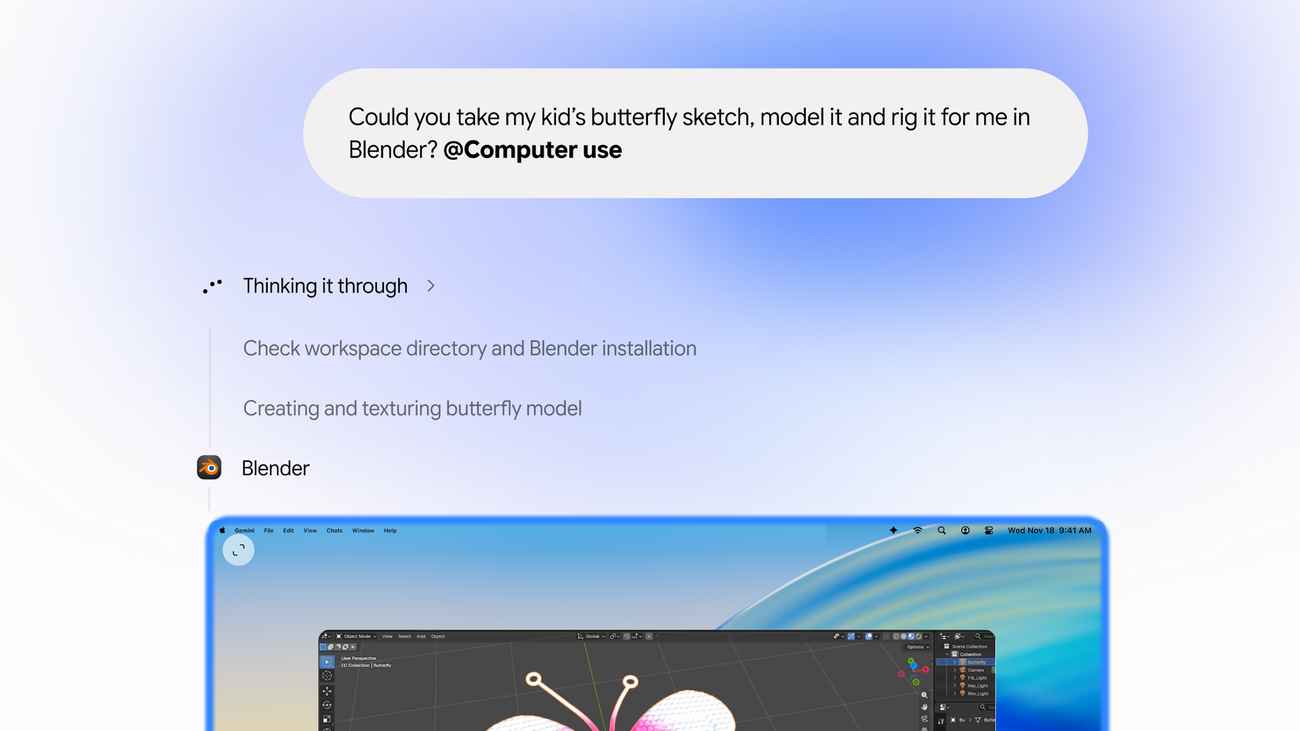
Google has started rolling out computer use in the Gemini app for Mac, according to a post on its own blog. Describe a workflow, and Gemini does the clicking, typing, menu-hopping and form-filling across your local files, desktop apps and the web.
The detail that matters is where it works. Gemini runs inside an isolated background window with a live preview in the chat, so your main screen and cursor stay free. You can keep typing, designing or taking a call while it grinds through the busywork.
What Google says it can do
- Batch color-grade photos in your design software
- Pull weights, dimensions and addresses from local PDFs into shipping-quote forms
- Gather metrics from live dashboards and build a Google Slides deck
- Analyze photos of clothes, research prices and stage resale listings
Google says you choose which apps Gemini can access, watch every step, pause any time and approve key actions before they happen. That human-in-the-loop design is the right instinct for an agent with its hands on your desktop.
Availability is narrow for now: English in the US, an Apple Silicon Mac on macOS Sequoia 15.0 or later, a personal Google account for ages 18+, and a Google AI Plus, Pro or Ultra subscription.
Why it matters: for freelancers, side-hustlers and anyone drowning in copy-paste admin, this is the first mainstream pitch of an AI coworker that uses the same apps you do. The skill worth building now is knowing which chores to hand off and which approvals to actually read. Source: Google's Gemini blog.